Starter
Gann Essentials
5 core sections. Perfect for swing traders beginning with Gann.
₹
1,999
/mo
Billed monthly · No commitment
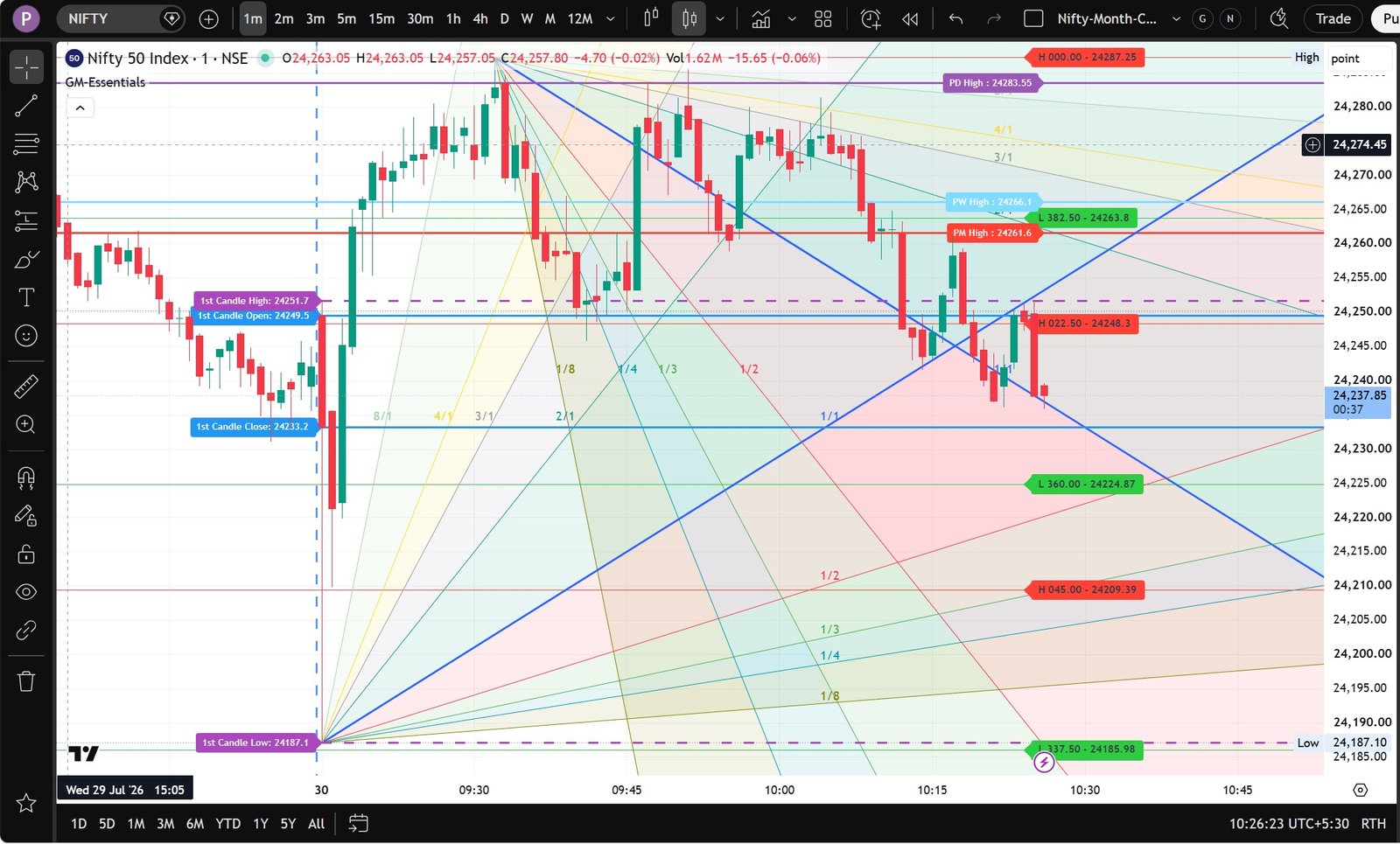
📈 VIEW SAMPLE CHART →
- ✓ Gann Scale — Square of Nine (Group A)
- ✓ Gann Fan Angles (Group D)
- ✓ Previous High/Low Levels (Group H)
- ✓ Multi-Market Session Settings (Group M)
- ✓ OHLC First Candle Lines (Group K)
- ✓ TradingView invite-only access
- ✓ Email support
- ✗ Solar Dates & Time Cycles
- ✗ Intraday Time Cycles
- ✗ Magic T Theory & Market Profile
Included in the Master Suite trial
Most Popular
Professional
Gann Professional
9 sections. The complete intraday + swing trading arsenal.
₹
3,999
/mo
Billed monthly · No commitment
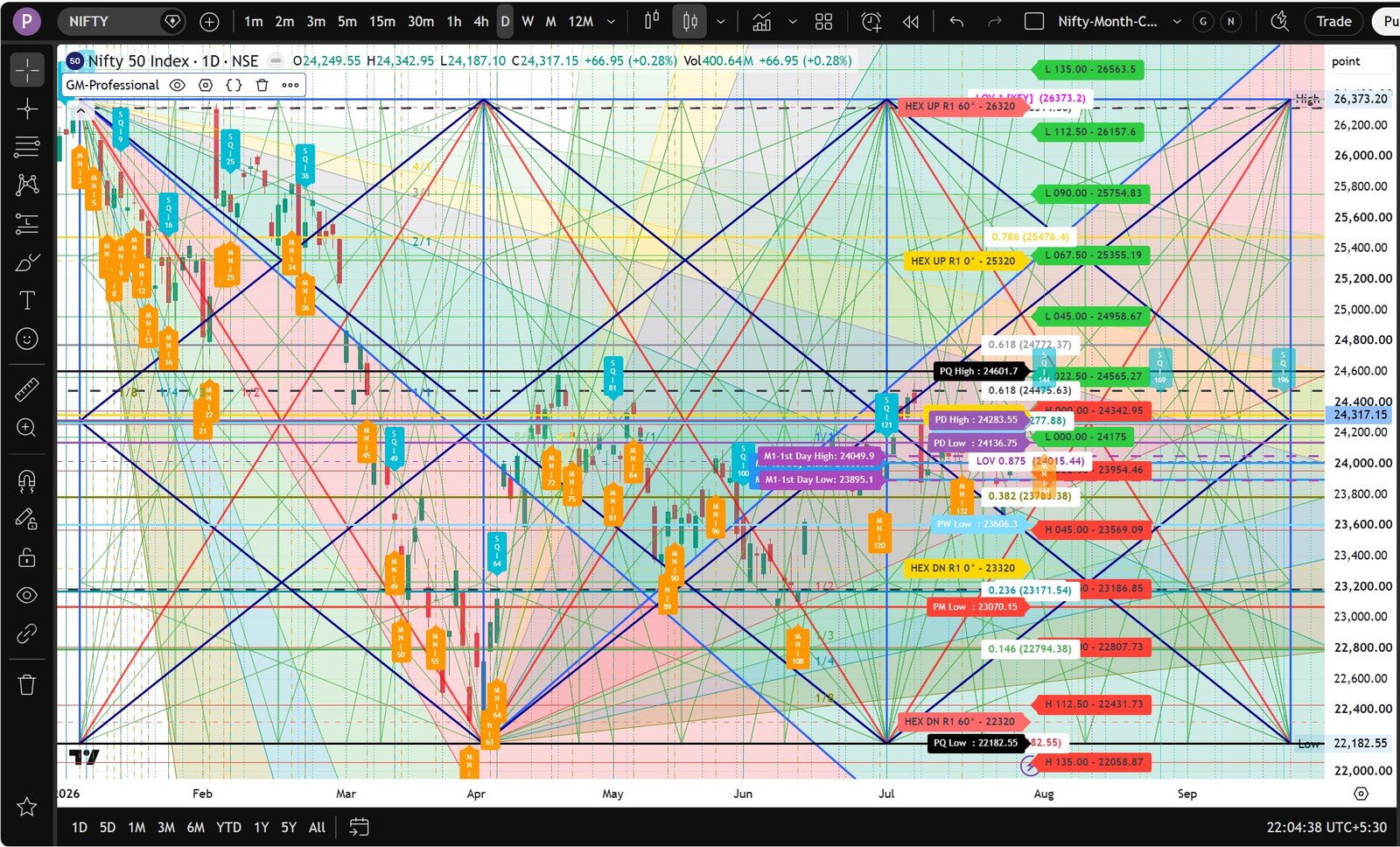
📈 VIEW SAMPLE CHART →
- ✓ Everything in Essentials
- ✓ Fibonacci & Law of Vibration (Group B)
- ✓ Hexagon Chart (Group F)
- ✓ Gann Square of Price & Time (Group G)
- ✓ Solar Dates & Cycles (Group E)
- ✓ Intraday Time Cycles (Group I)
- ✓ OHLC First Candle Lines (Group K)
- ✓ Market Profile POC/VAH/VAL (Group N)
- ✗ Magic T Theory & Dow Breakout
Included in the Master Suite trial
Master Suite
Gann Master Suite
All 13 sections + Priority support + Monthly analysis PDF.
₹
4,999
/mo
Billed monthly · No commitment
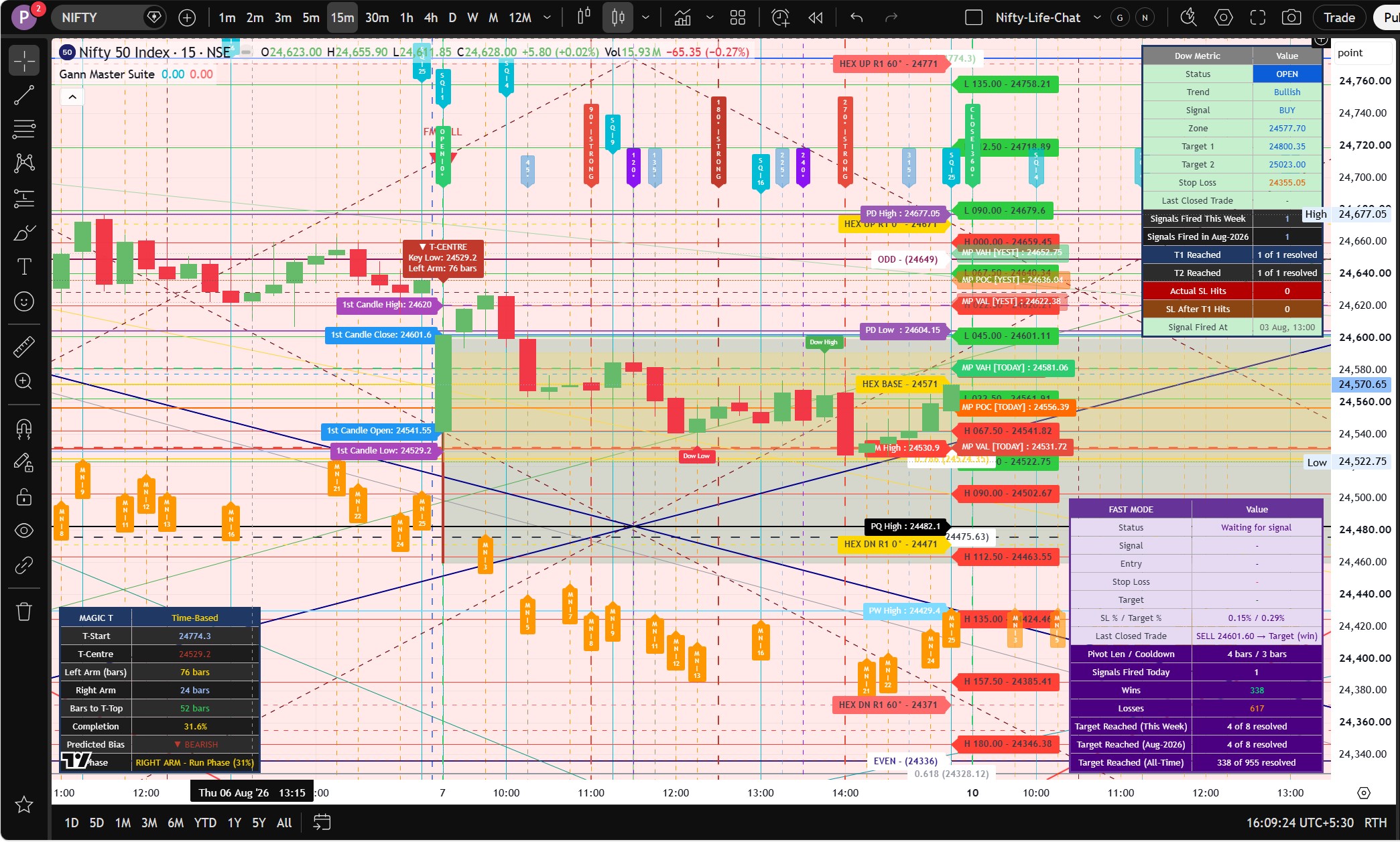
📈 VIEW SAMPLE CHART →
- ✓ All 13 Indicator Sections (Groups A–N)
- ✓ Magic T Theory — Run Phase Alerts (J)
- ✓ Dow Theory Breakout Predictor (L)
- ✓ Odd & Even Squares (Group C)
- ✓ TODAY + YESTERDAY Market Profile
- ✓ Priority WhatsApp support (same day)
- ✓ Monthly Nifty Gann Analysis PDF
- ✓ All future sections at no extra cost
- ✓ Private Telegram community access
14-day trial · No credit card
Standalone Tool
Gann Matrix
Square of Nine + two-sided Gann Fan + swing signals. Works on any symbol, any timeframe.
₹
2,999
/mo
Billed monthly · No commitment
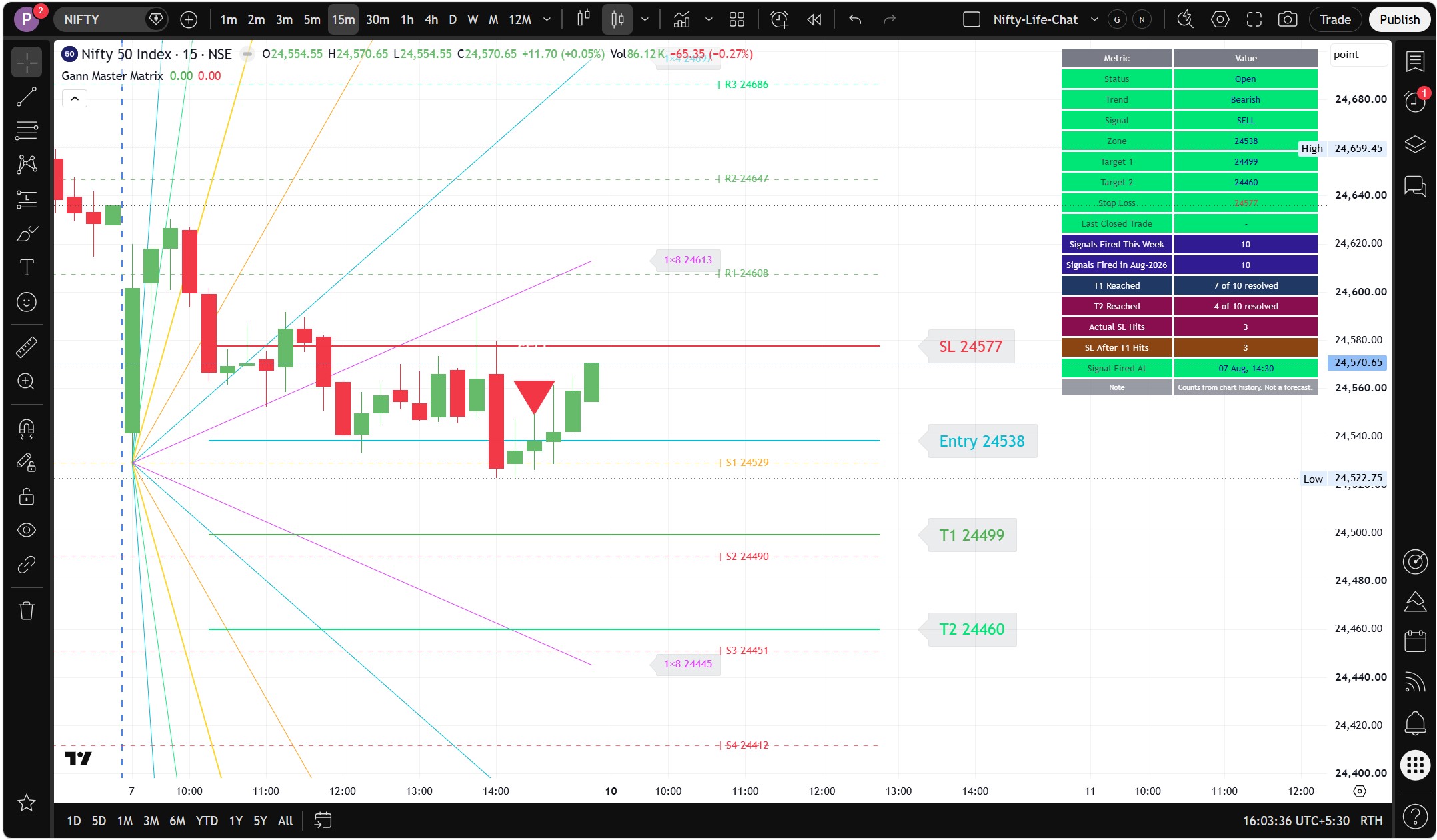
📈 VIEW SAMPLE CHART →
- ✓ Square of Nine levels — auto-centered on current price
- ✓ Two-sided Gann Fan (6 angles up + 6 down from pivot)
- ✓ ATR-scaled fan slope — adapts to any timeframe automatically
- ✓ Swing High/Low signals at confirmed pivot points
- ✓ R1–R4 resistance + S1–S4 support ladder
- ✓ Works on Stocks, Index, Forex, Crypto, Commodities
- ✓ TradingView invite-only access
- ✓ Email support
- ✗ Not part of the GannMaster bundle
14-day trial · No credit card
One 14-day free trial per user, on Master Suite or Gann Matrix · No credit card required · Cancel anytime
Invite-only access granted to your TradingView username within 60 minutes of payment.